Lead Management CRM Dashboard
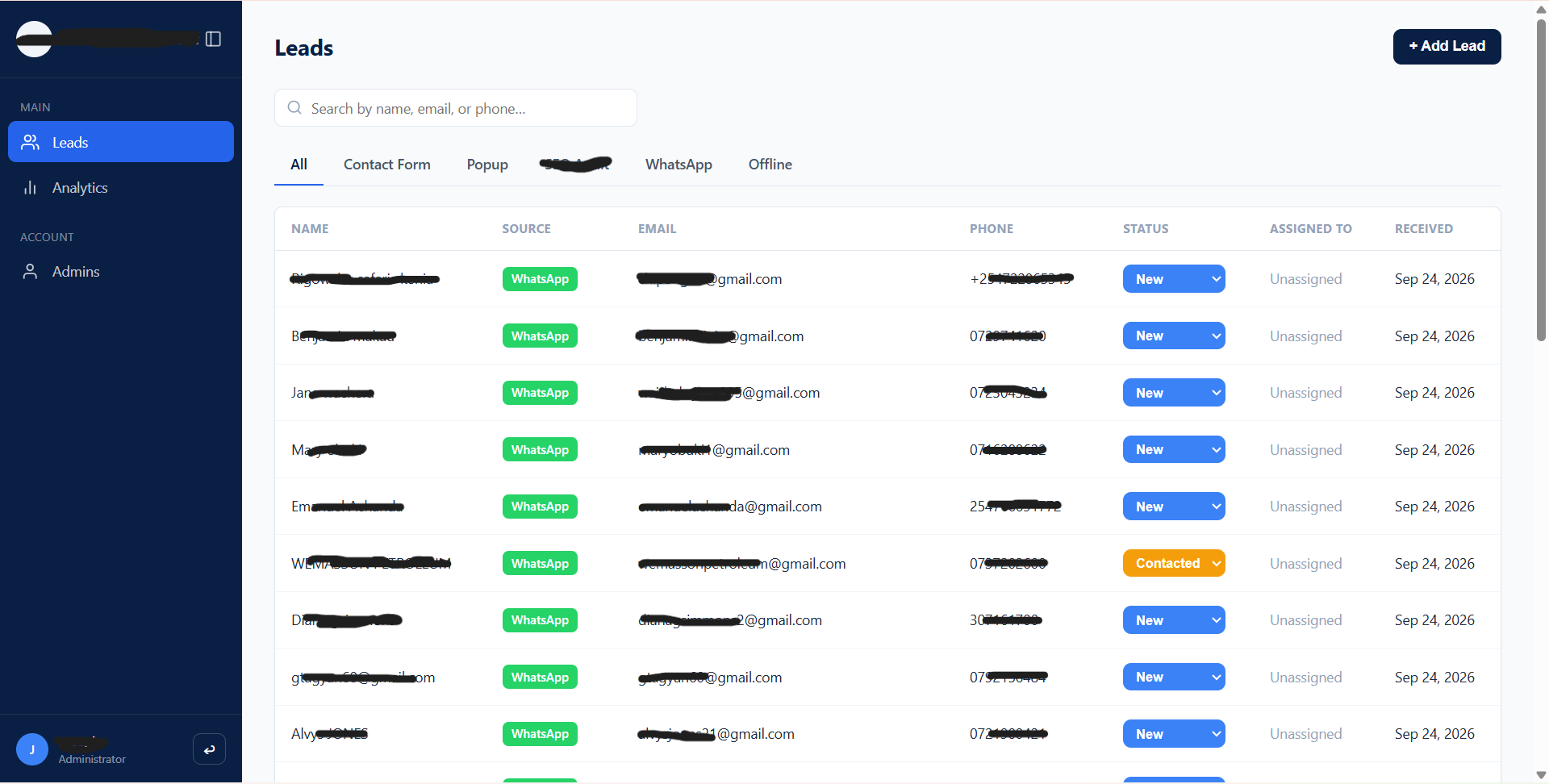
A real-time lead management dashboard that gives a services company's team a single place to view, triage, and track leads coming in from their website forms and WhatsApp conversations.
The problem
Before this build, the client had no centralized system for tracking leads. Submissions from their website (contact forms and pop-ups) had no destination beyond an email inbox, and leads generated through WhatsApp existed only inside individual conversations on the team's phone. There was no shared view of who had submitted, what stage they were at, or who on the team was handling them, no status tracking, no assignment, no reporting on where leads were coming from or how they converted.
What I built
A dashboard, deployed on the client's own subdomain and backed by Supabase. Website form submissions post directly into the CRM's database the moment they're submitted, and the leads table updates live using Supabase Realtime, no refresh needed. WhatsApp leads are added manually through an in-dashboard form, since automating that number would disrupt the team's daily use of it. Every lead has a detail page with source-specific data, an editable status, and a notes log. Admins can assign leads to team members, and role-based access is enforced at the database level so agents only ever see leads assigned to them.
I later added an AI-assisted email system on top of it. See AI Email Automation for a CRM.
Inside the dashboard
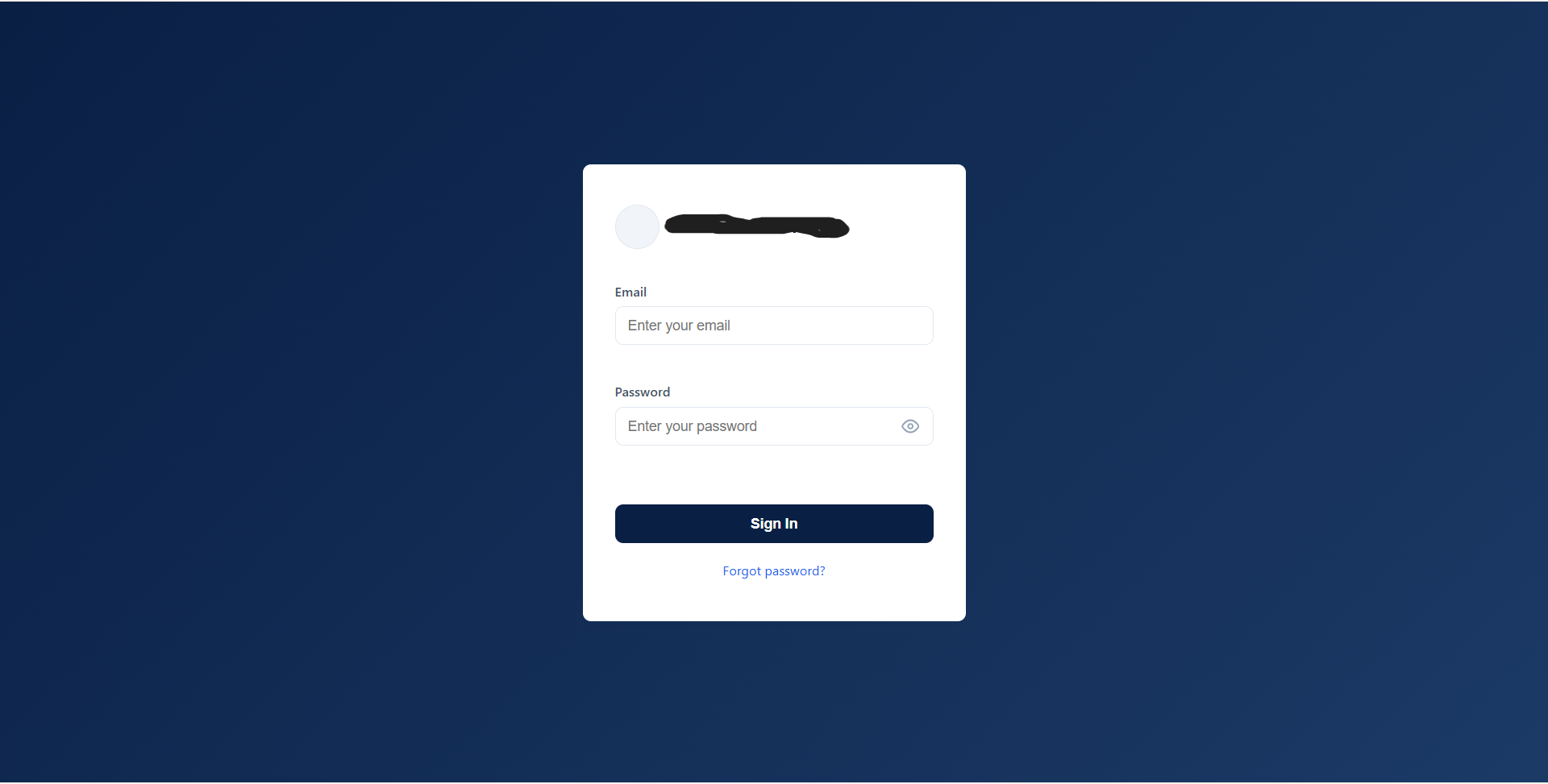
Sign-in
Email/password authentication with no public signup; admins add accounts manually, keeping the CRM closed to the small team who actually use it.
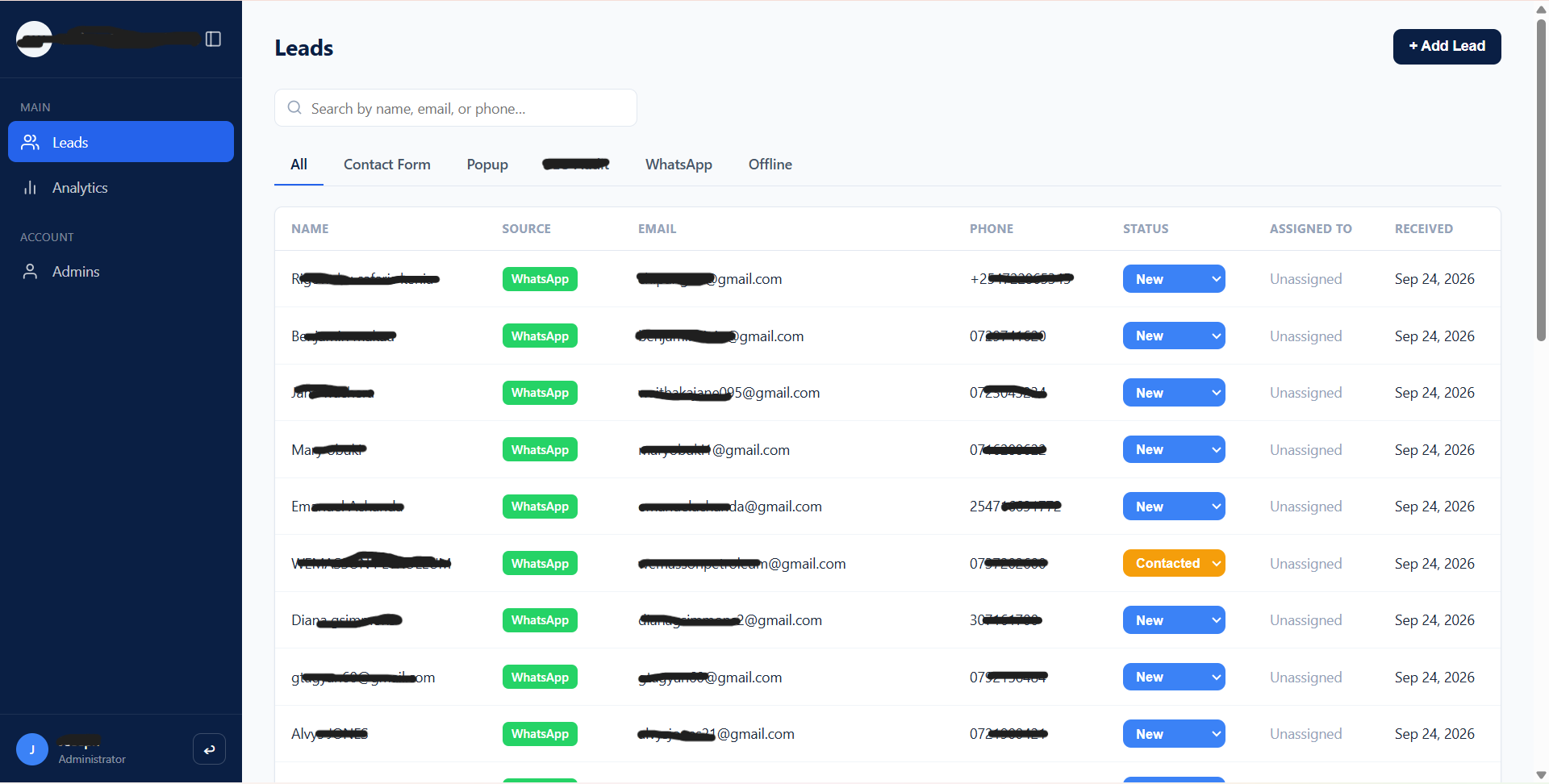
Leads list (Realtime table)
Shows all leads newest-first, filterable by source and status, with search and inline status editing, so the team can triage without opening every record.
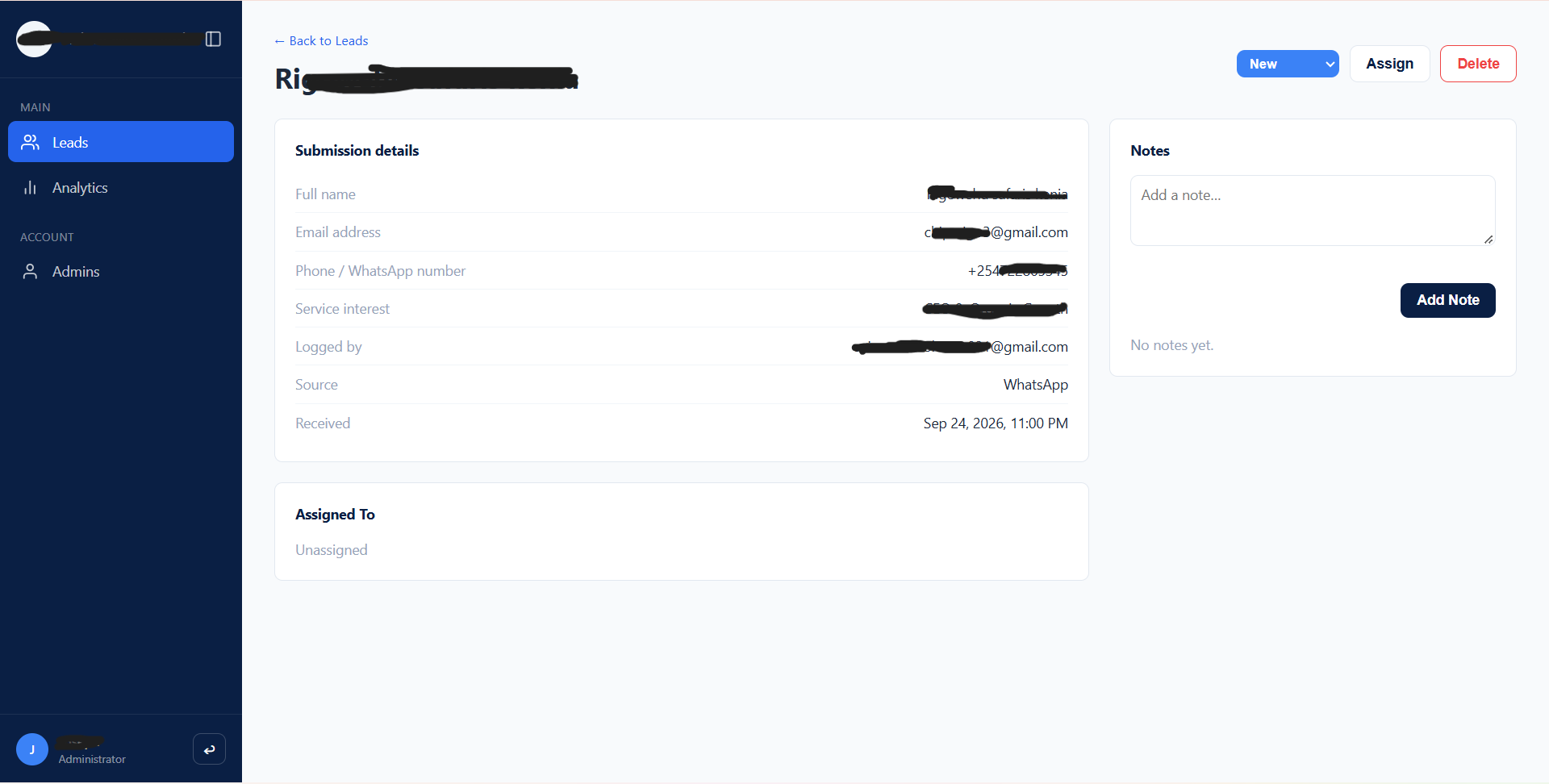
Lead detail page
Displays only the fields that source actually captures, plus a running notes log, so reps have full context on a lead without digging through raw form data.
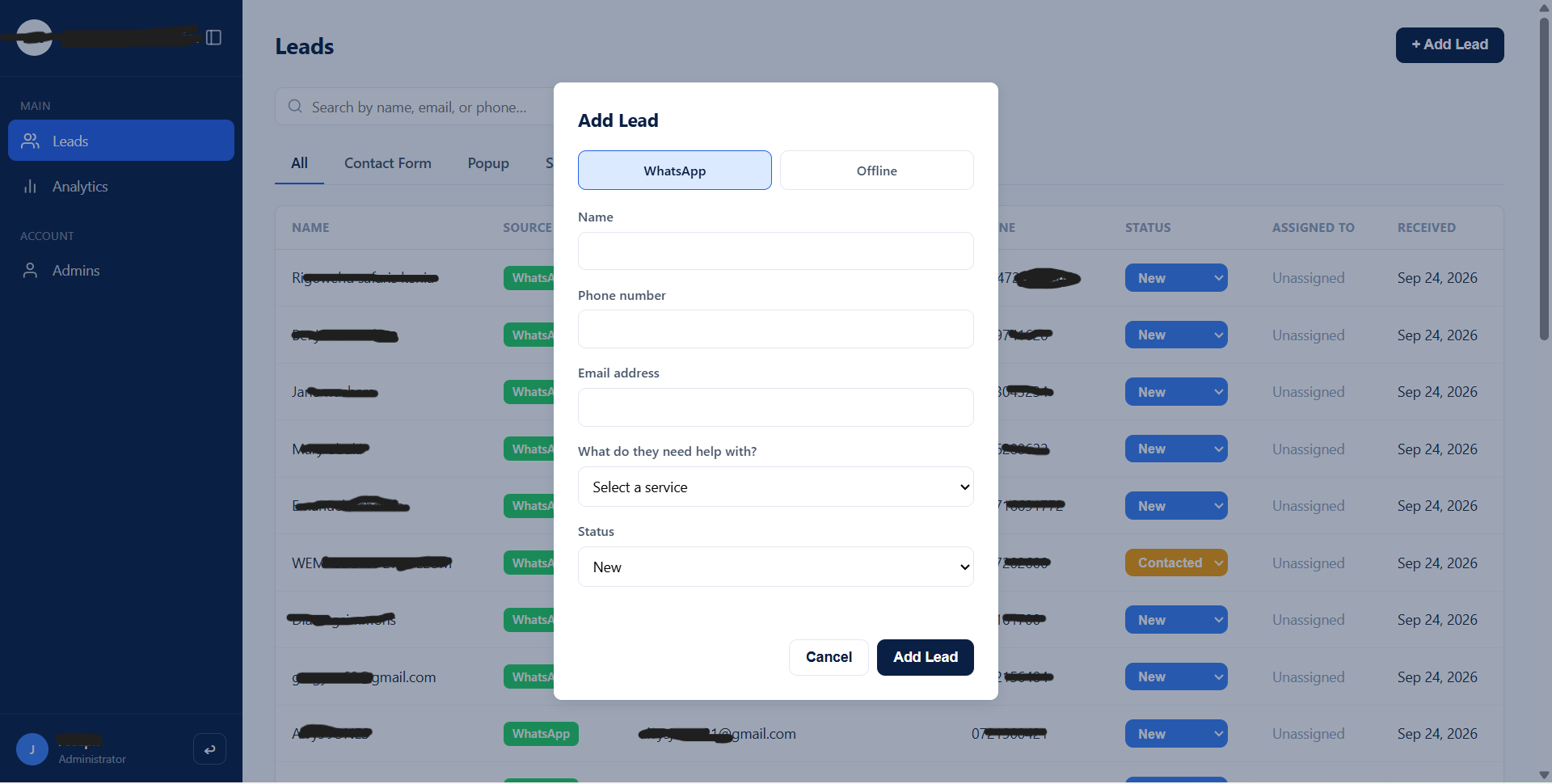
Add lead (manual entry)
Lets the team log WhatsApp-originated leads by hand, since WhatsApp intentionally isn't auto-synced, keeping the number usable for daily manual chatting.
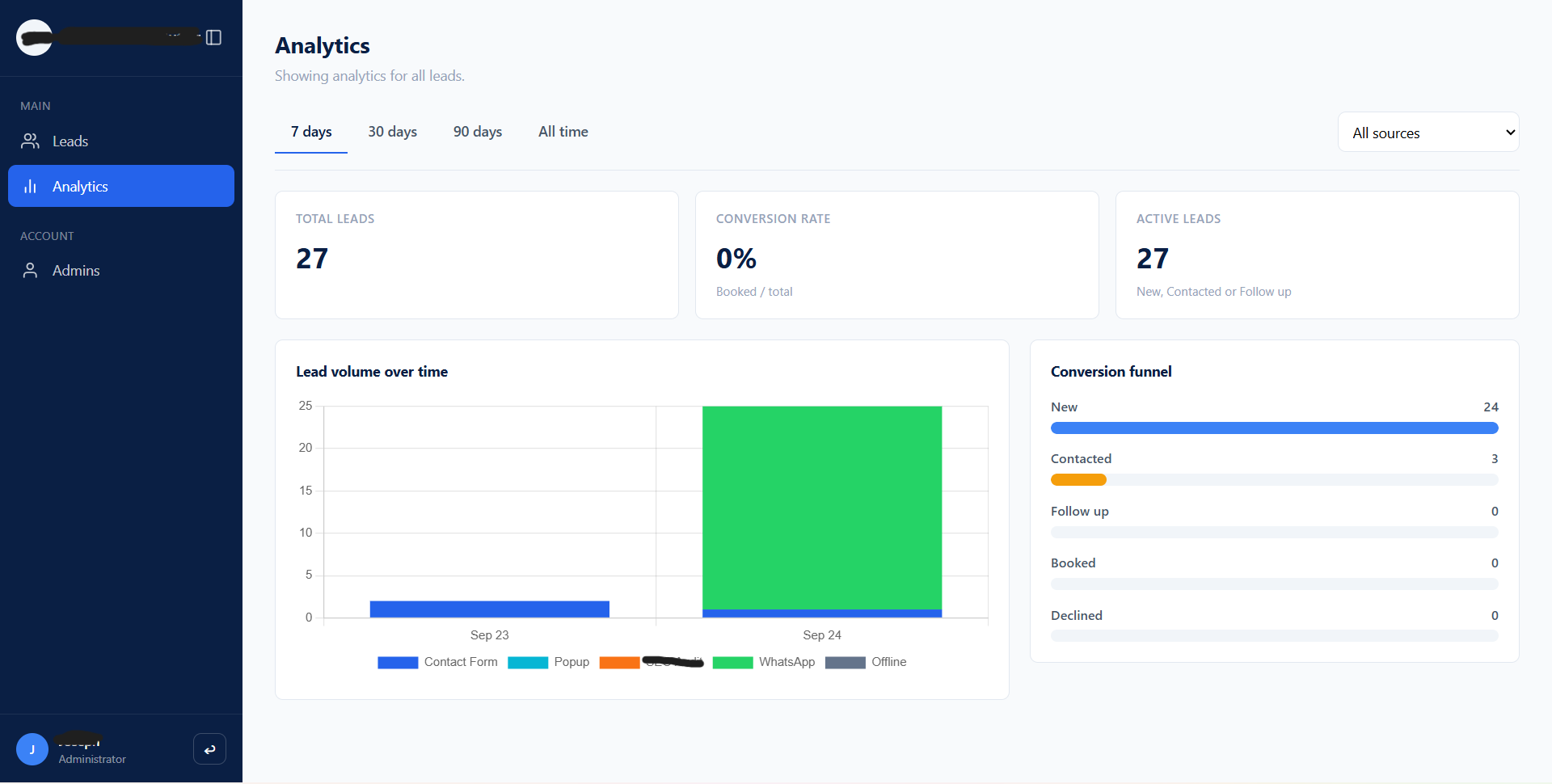
Analytics page
A lead-volume-over-time chart broken out by source, a conversion funnel using the CRM's actual status stages, and KPI cards, giving the client visibility into which channels are actually producing.
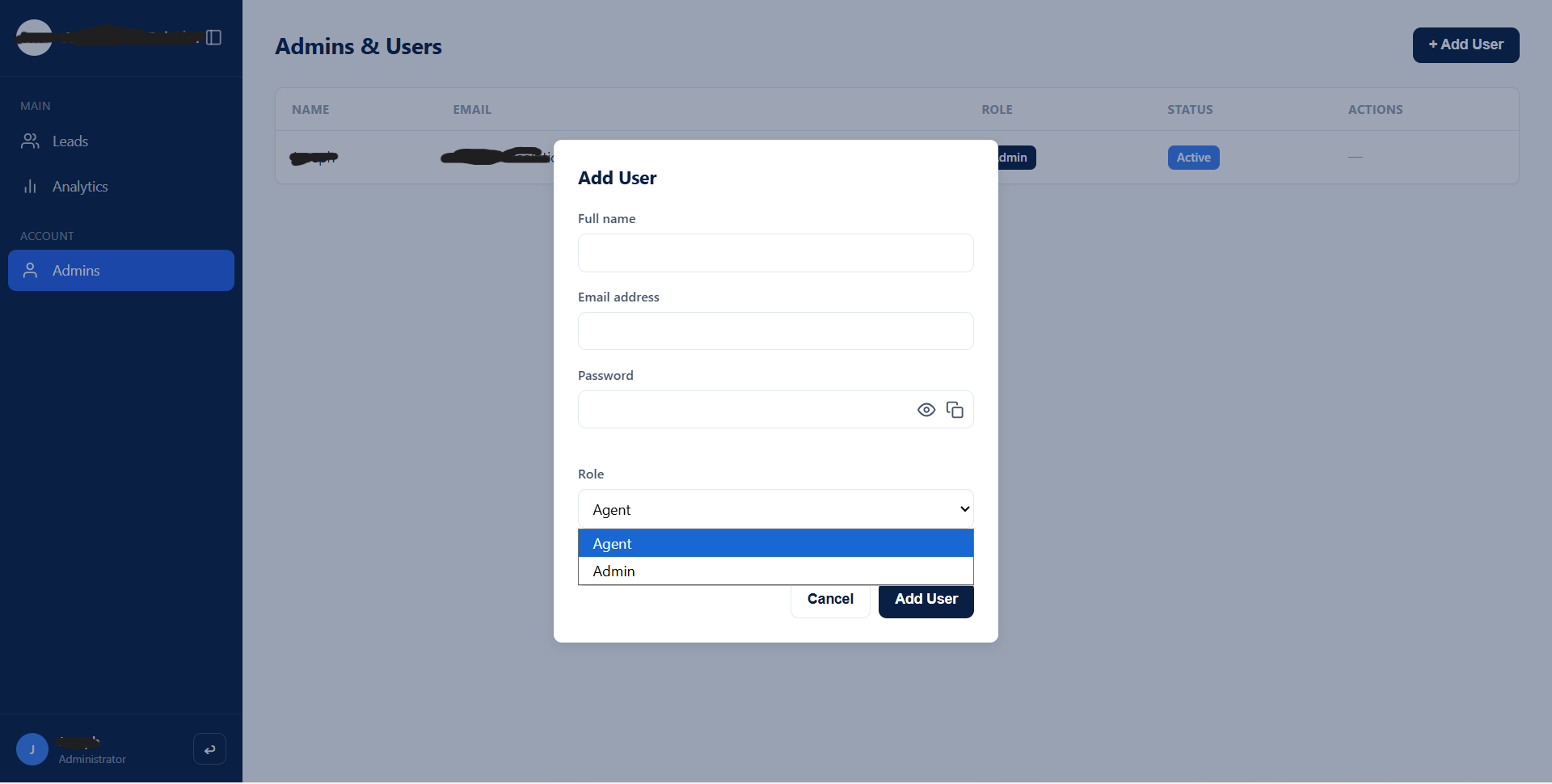
Admin & users page
Admins can create accounts, deactivate/reactivate them, or delete them outright, without needing direct Supabase access for routine team changes.
Lead assignment
Admins can assign any lead to a specific team member; agents only see leads assigned to them, so ownership is clear and no lead gets worked twice.
Password reset
A self-service password reset flow with transactional email delivery via Brevo SMTP, so a locked-out team member doesn't need an admin to get back in.
WordPress lead capture
Contact Form 7 submissions on the client's WordPress website post straight into the CRM in real time, so no lead sits in an inbox waiting to be manually entered.